
Choosing backup power starts with a familiar question: what do you need to keep running when a wall outlet is unavailable? A phone and a few lights call for a different setup from a refrigerator or a group of devices at a campsite. Starting with a model name or a headline capacity can make the decision harder.
We reviewed the specifications and product information on the BLUETTI Canada store to build a practical selection path. Use the steps below to size the load, choose a format, and decide whether solar charging or expandable capacity belongs in your plan.
When you shop through the links in this article, the retailer may pay us a commission. Your price stays the same.
Key facts
- List essential devices and check both running and startup wattage before comparing stations.
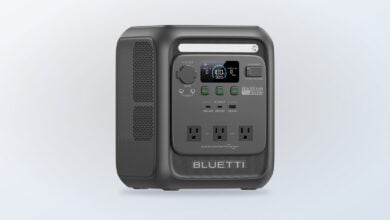
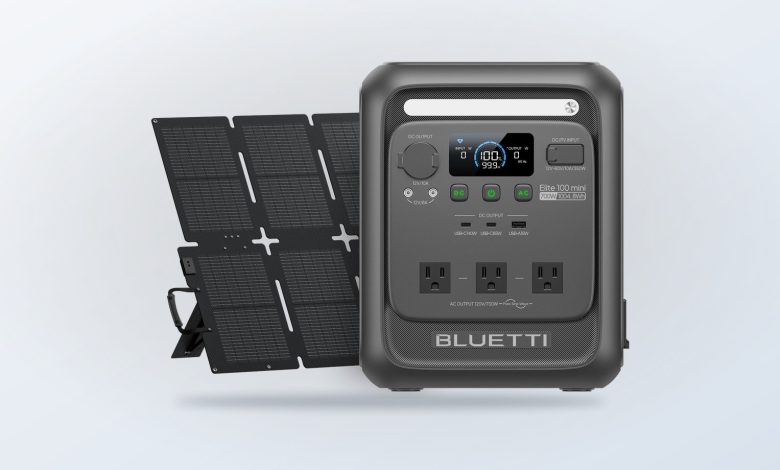
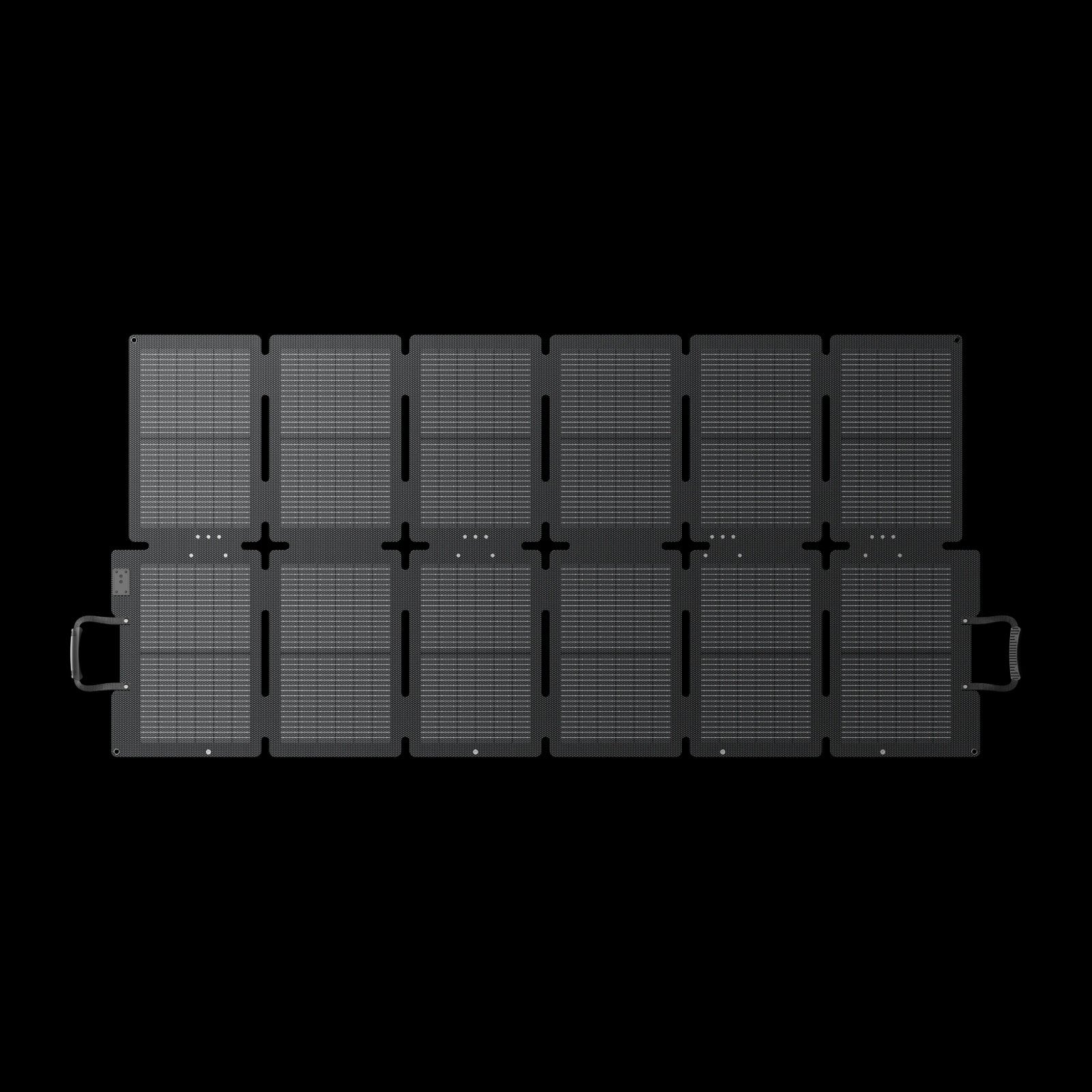
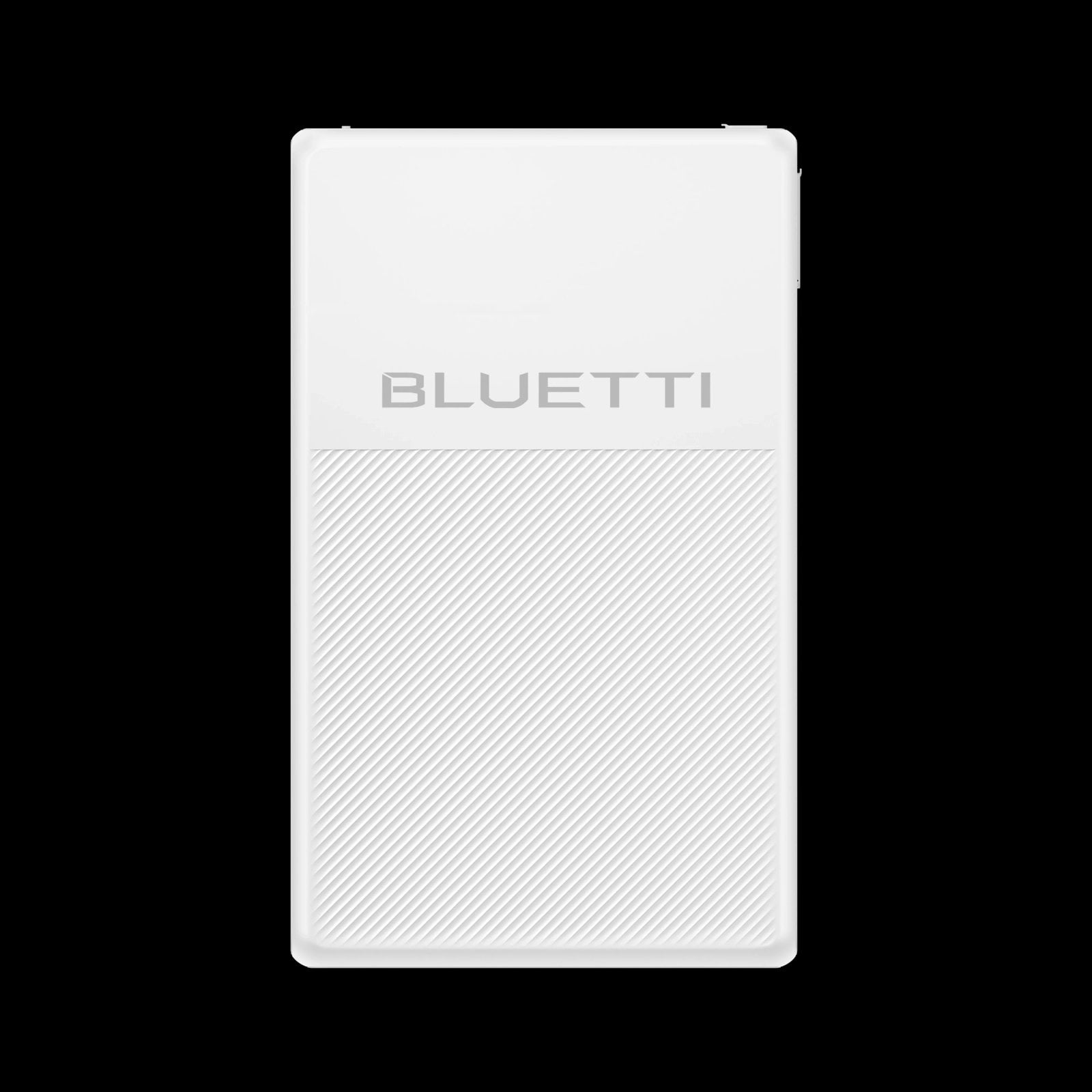
- The Elite 100 Mini offers 1,004Wh, 700W output and nine ports for compact, lighter-duty needs.
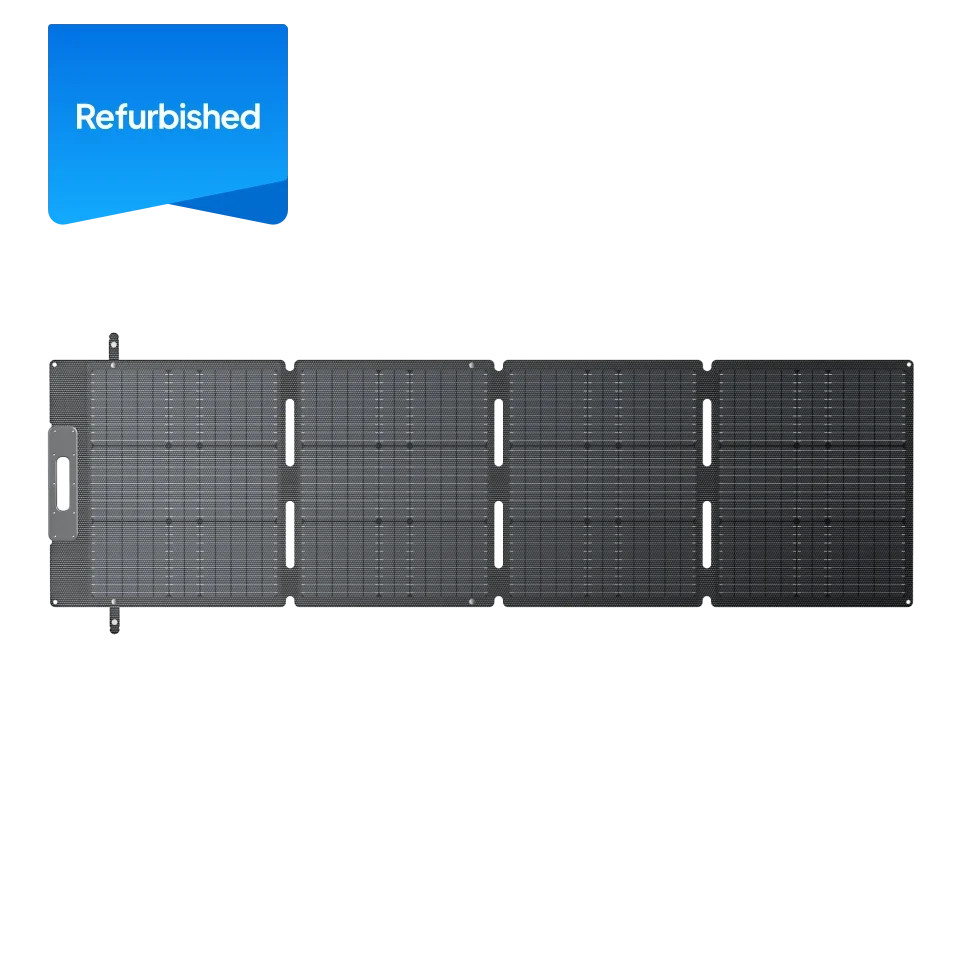
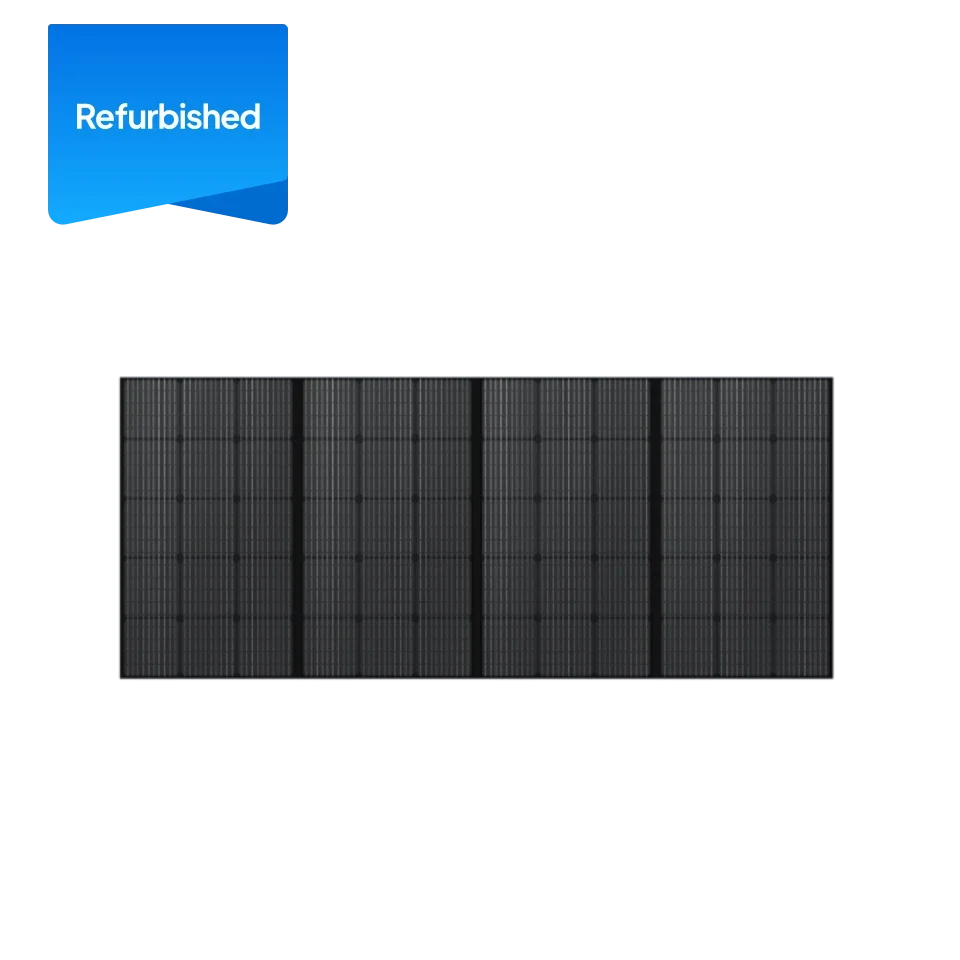
- The SORA 220 is rated at 220W with up to 25% efficiency and an IP67 rating; actual solar yield depends on conditions.
- FridgePower is purpose-built for refrigerator backup, with a 75mm profile, UPS switching and smart alerts.
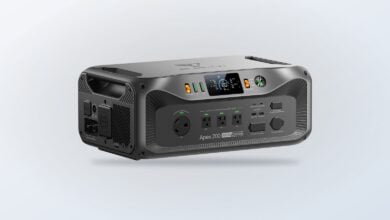
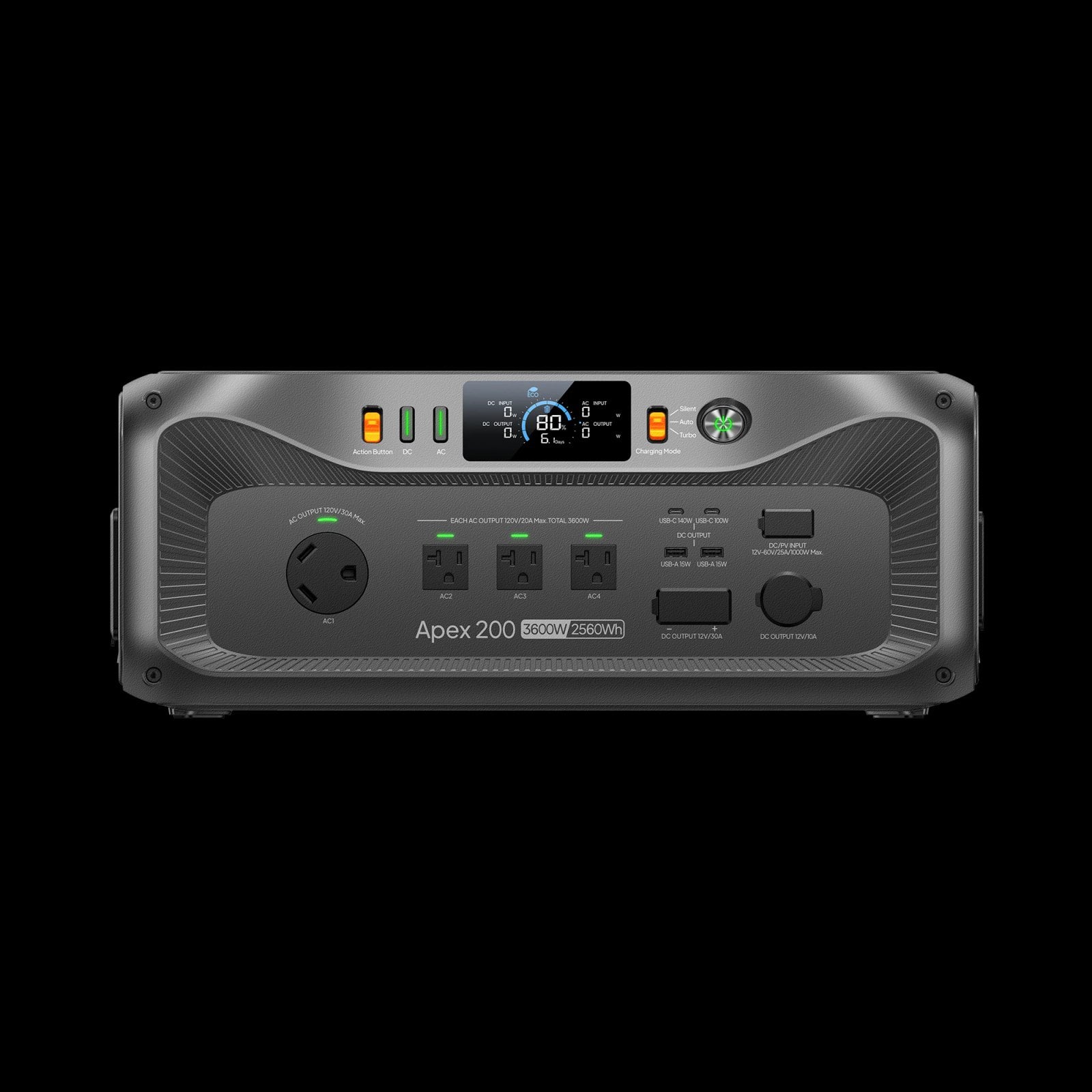
- The Apex 200 lists 2,560Wh capacity, 3,200W output and expansion capability for larger loads.
1. Map the load
Write down the devices you want powered and separate must-run essentials from conveniences. Read each appliance label or manual for its wattage. Some motors and compressors briefly draw more power as they start, so check startup requirements as well as normal running demand. A station must meet both the energy capacity and output needs; a large capacity figure alone does not guarantee compatibility.
- Record each device and its wattage.
- Estimate the hours you expect to use it.
- Note anything with a motor, heating element or compressor.
- Add a practical margin for uncertainty and simultaneous use.
For a weekend outdoors, the Elite 100 Mini is described by BLUETTI as a compact station with 1,004Wh capacity, 700W output and nine ports. That combination may suit smaller electronics and modest loads, but its output limit makes it the wrong starting point for appliances whose requirements exceed the listed rating. Compare the device labels with the product specifications before choosing.
2. Choose capacity and output
Capacity affects how long a station can supply energy; output affects which devices it can run at once. Use your load list to estimate energy over the period you need, then consider conversion losses and reserve. BLUETTI lists the Apex 200 at 2,560Wh and 3,200W output, with expansion capability stated on its product page. That positions it for more demanding loads than a compact travel unit, while bringing greater size and system complexity.
For an appliance-centered plan, FridgePower focuses on keeping a refrigerator powered during an outage. BLUETTI describes a 75mm slim profile, fast UPS switching, smart alerts and up to four days of power. That duration is a brand-stated figure and will vary with refrigerator draw and conditions. A purpose-built design can simplify placement, though it is less flexible than a general-purpose station for running a mixed set of devices.
- Choose a compact station when portability and small electronics lead.
- Move up in output when appliances have higher running or startup demand.
- Consider a dedicated refrigerator backup when food protection is the priority.
3. Plan recharging
Think through where energy comes from after the first charge. Grid charging is straightforward at home or before departure; solar can help at a campsite or during a longer outage if the panel has access to sun. Panel wattage is a rating, not a guaranteed daily yield. Weather, shade, angle, season and available daylight all affect what enters the station.
The SORA 220 solar panel is rated at 220W, with up to 25% efficiency, IP67 durability and MC4 compatibility on the Canadian product page. Check that the panel’s connectors and input range match the station, and leave room to position it in an unshaded spot. The Elite 100 Mini + SORA 220 listing bundles a station and panel, which can reduce the work of matching separate pieces, but it still pays to review included cables and compatibility details.
- Confirm the station supports the panel’s connector and input range.
- Check whether cables are included or need to be selected separately.
- Plan a sunny placement with enough space and a safe route for cables.
4. Match the format
The right system should fit its actual location. For car camping, carry weight, storage space and setup time matter. For home backup, think about where the equipment will sit, how it will connect to priority devices, and whether expansion or home integration is part of the plan. Keep cords, ventilation and access in view, and follow the product instructions for use and charging.
| Option | Useful fit | Check before choosing |
|---|---|---|
| Elite 100 Mini | Compact electronics and lighter loads | 700W output limit and energy estimate |
| SORA 220 | Portable solar recharging | Sun exposure, connector and input range |
| FridgePower | Refrigerator-focused outage backup | Appliance draw and runtime conditions |
| Apex 200 | Higher output and expandable setup | Space, expansion components and load needs |
When a larger home setup is under consideration, the Apex 200 is listed with 2,560Wh capacity, 3,200W output and expansion options. Make a component checklist before selecting a bundle: station, additional battery, solar panels, charging accessories and any home integration equipment. The product page explains the current configuration; bundle contents can differ, so match every included component to your plan.
5. Check the details
Before settling on a configuration, read the Canadian product page for included accessories, charging inputs, compatible expansion batteries, warranty terms and delivery or return information. These details determine the total setup effort and can change between standalone products and bundles. Avoid comparing models on capacity alone: output, ports, recharging methods, portability and the actual contents of the selected configuration all matter.
- Match continuous and startup output to your intended devices.
- Confirm capacity against the number of hours you want to cover.
- Check exact bundle contents and compatibility on the Canada listing.
- Review current availability and product terms before deciding.
For most readers, the sensible sequence is load first, form factor second, then charging and expansion. A focused refrigerator requirement makes FridgePower a natural candidate to examine; portable electronics point toward the Elite 100 Mini; and a higher-demand plan may lead to the Apex 200. The BLUETTI Canada pages provide the specifications and configuration details needed to make that final match.
Where we land
Our recommendation is to size from a written device list, then choose the smallest format that meets both the output and runtime requirement with room for realistic conditions. BLUETTI’s Canadian range gives distinct routes for portable electronics, refrigerator backup and larger expandable systems, so the intended job can guide the model choice instead of a headline capacity number.
The limitation is that runtime and solar yield depend heavily on connected loads and conditions, while bundle details vary by listing. Verify those figures, compatibility and included parts on the specific Canada product page before committing.