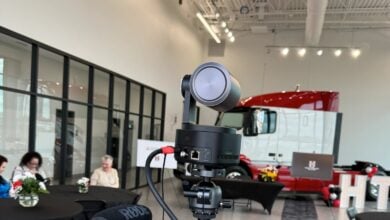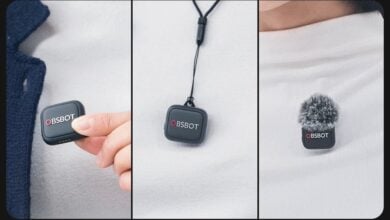

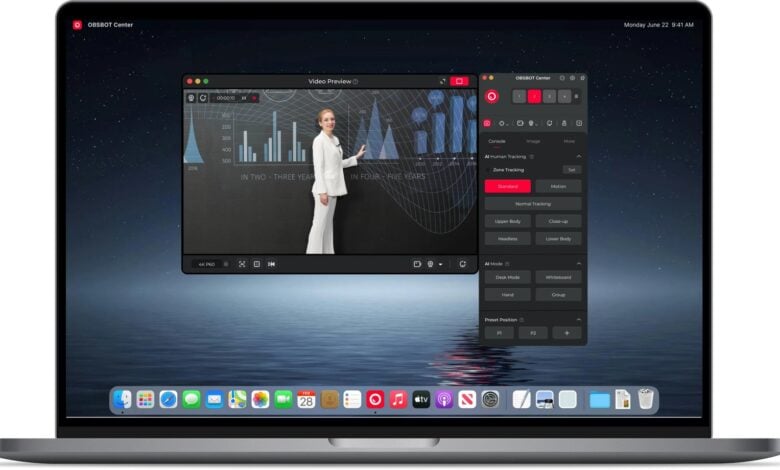
Choosing a camera for live production is a different decision from choosing a webcam. The camera needs to follow a speaker or performer, reframe without a camera operator, and fit the connections already in the room. OBSBOT positions the OBSBOT Tail 2 for that more demanding job: a PTZR camera built for live production and streaming.
This review is based on the product information published by OBSBOT. The central question is whether its combination of automated tracking, portrait and landscape framing, and production connections solves a real workflow problem – or adds complexity that a simpler streaming camera would avoid. You can check the OBSBOT Tail 2 listing and its published specifications before deciding whether its format fits your setup.
When you shop through the links in this article, the retailer may pay us a commission. Your price stays the same.
Key facts
- 4K 60 fps recording and a 12x hybrid zoom are listed among the OBSBOT Tail 2 capabilities.
- Its PTZR design supports portrait and landscape framing, with AI Tracking 2.0 and an Only Me subject-lock mode.
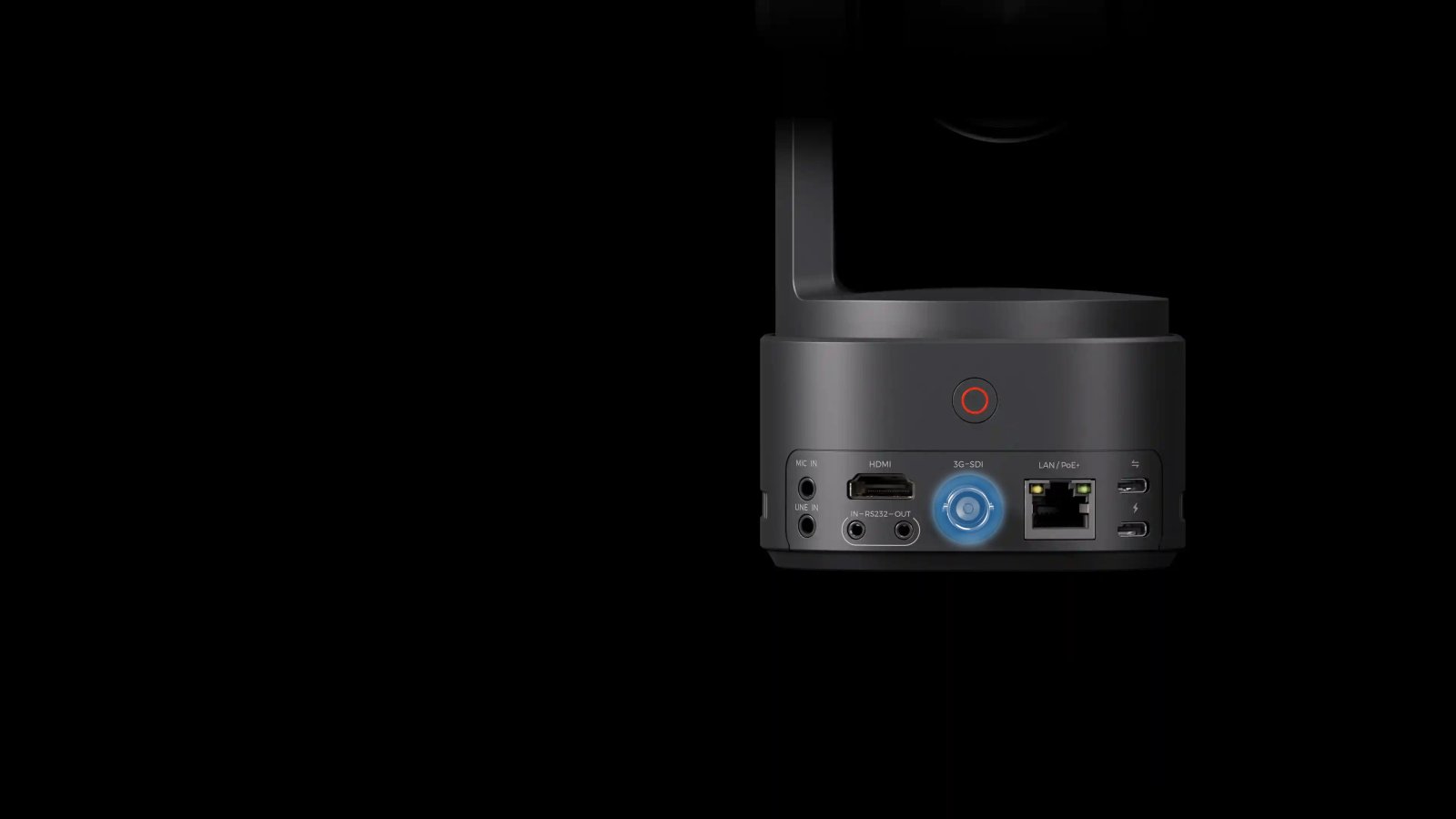
- Connections include SDI, HDMI, Ethernet, RS-232, mic and line inputs, USB-C and an SD card slot.
- The OBSBOT Tail Air 2 and OBSBOT Talent 2 serve adjacent streaming needs, but are different product types.
- Check current price, package contents and compatibility on the official US store listing.
A camera for production
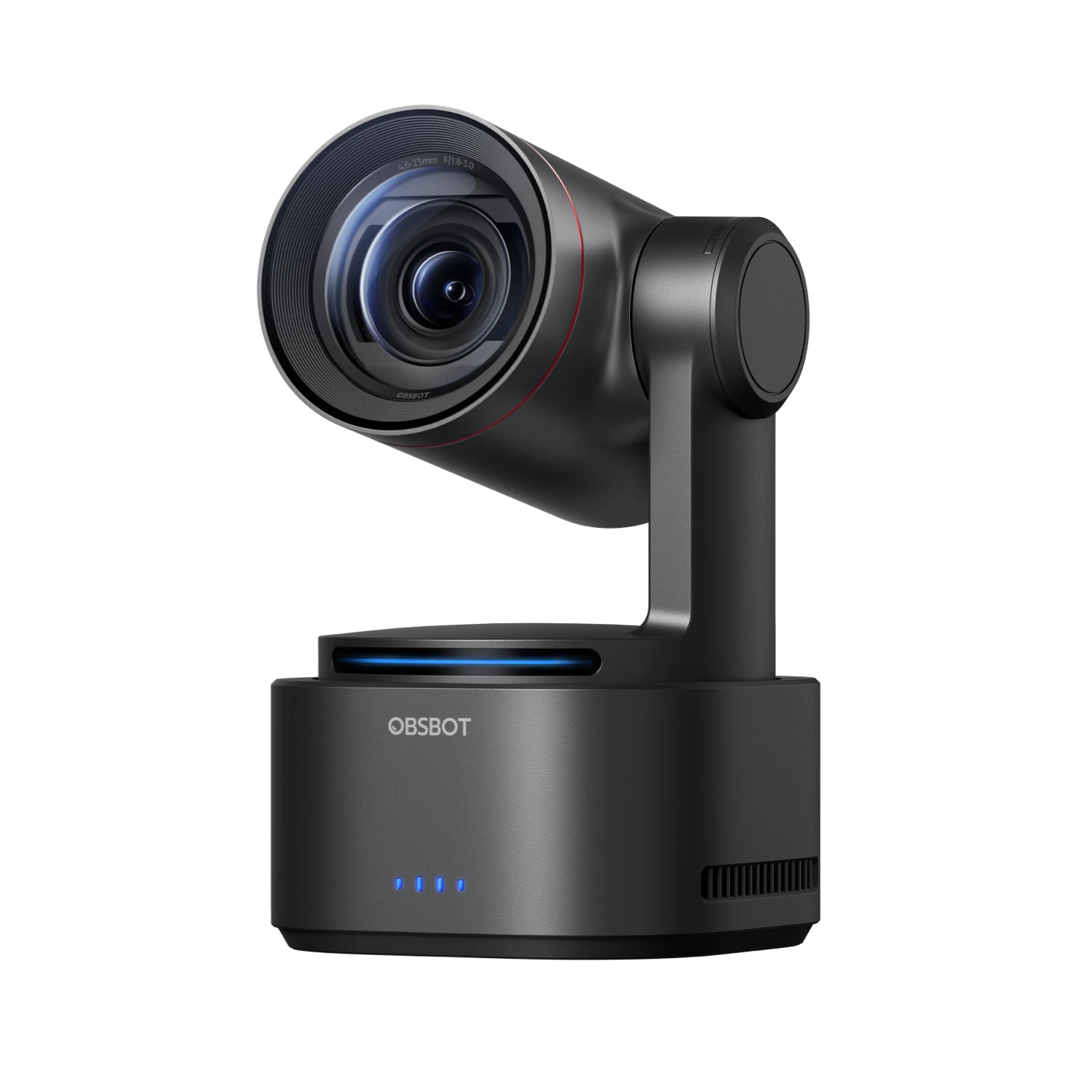
The OBSBOT Tail 2 is a compact PTZR camera – pan, tilt, zoom and rotation – rather than a fixed-angle webcam. OBSBOT says it records at 4K 60 fps and uses a 1/1.5-inch CMOS sensor with a 12x hybrid zoom. That mix points to events, talks, classes, sports and creator productions where a camera may need to cover a wide stage, then tighten the composition around one person. Review the camera details against your planned distance.
Its distinctive PTZR design is intended to move between landscape and portrait capture. That matters when a production needs a conventional program feed and vertical clips from the same space. Buyers should still plan the whole signal path: confirm how the desired orientation works with their switcher, streaming software, mounting position and downstream displays. For product details, the official OBSBOT Tail 2 page is the relevant reference.
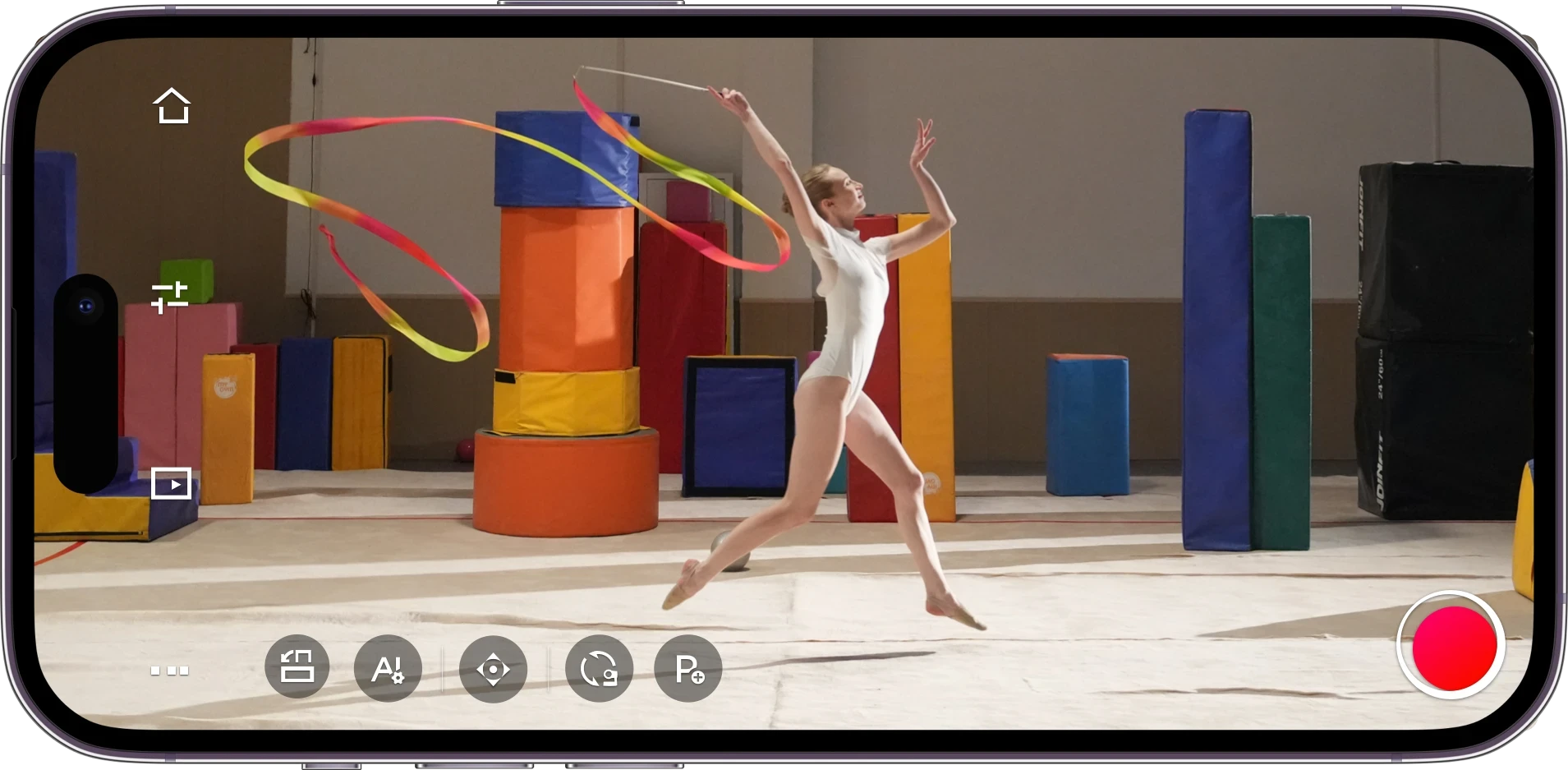
- A speaker-led event can use tracking to keep a presenter in frame while they move.
- A fixed installation can use SDI or Ethernet where the venue already routes video and control.
- A creator can switch between horizontal programming and portrait-first social output.
- A sports or performance stream can benefit from zoom when the subject moves farther from the camera.
Tracking and framing
OBSBOT highlights AI Tracking 2.0, intelligent subject recognition and an “Only Me” mode. The latter is described as keeping attention on a selected person rather than switching to another possible target. This is useful in a busy frame: a host can move while other people cross the background, and the camera is meant to keep the chosen subject.
Auto-zoom is another practical feature in OBSBOT’s description. The camera can adjust framing between closer and wider views as the subject moves. Automated composition can reduce the need for a dedicated operator, but the product information does not establish how it behaves in every lighting condition, at every distance or with multiple moving subjects. A production team should review the official setup guidance and choose a workflow that allows a human to intervene when a shot matters. OBSBOT provides Tail 2 product information and camera support details for configuration checks.
- Check the intended tracking subject and background before a live session.
- Plan a fallback camera position for moments when a manual shot is preferable.
- Confirm the zoom range covers the actual stage or room from the planned mounting point, using the Tail 2 specifications and its official product listing as references.
Connections and workflow
The OBSBOT Tail 2 has a connection set aimed at production systems: OBSBOT lists SDI, HDMI, Ethernet, RS-232, mic input, line input, USB-C and an SD card slot. That breadth is a meaningful strength for buyers matching a camera to an existing control room or event kit. The exact output or control path still depends on other equipment, software, network configuration and the production format. The official Tail 2 details help identify the listed interfaces.
Before ordering, map each connection to a job. SDI and HDMI can support different video routes; Ethernet can be relevant to networked workflows; RS-232 may matter for camera control; the audio inputs support sources beyond the built-in camera. See the Tail 2 listing for the published connection information. The store’s Tail 2 product details and published specifications should be checked against your switcher, encoder, audio chain and mounting accessories.
Where it fits
This is a specialist purchase for a team that needs a controllable production camera with tracking and flexible framing. It is a stronger fit for recurring streams, venues, studios and educators than for someone who mainly wants a camera for video calls. If the brief is a single creator stream with a lighter setup, compare the OBSBOT Tail Air 2 as another streaming-camera option, then revisit the Tail 2 listing if the production connections matter more. If the priority is a consolidated production console, OBSBOT describes the OBSBOT Talent 2 as a live-streaming studio. The Tail 2 page remains the place to check this camera’s configuration.
- Choose Tail 2 when tracking, 4K production capture and multiple connection types are central requirements.
- Consider Tail Air 2 when a smaller streaming camera better matches the setup.
- Consider Talent 2 when the production workflow calls for a dedicated live-streaming studio.
- Check the store listing for the current package, regional availability and accessory compatibility.
Strengths and limits
The strongest case for the OBSBOT Tail 2 is how several production needs converge in one camera: PTZR movement, portrait and landscape framing, subject tracking, zoom, and connections that reach beyond a basic USB webcam. For a small crew, that could reduce manual camera work while giving a stream more framing options. The camera is also easier to evaluate as a production component because OBSBOT publishes dedicated specification and support pages, including the Tail 2 product page.
The main limit is that feature breadth only pays off when the workflow uses it. Buyers who do not need 4K capture, tracking, network or studio connections may be paying for capability they will not use. “AI tracking” also should not be treated as a substitute for shot planning, rehearsal or an operator’s judgment. Package contents and compatibility can vary by configuration, so review the current US listing and support information before buying, starting with the OBSBOT Tail 2 details and official support information .
Where we land
We recommend the OBSBOT Tail 2 for event, education and creator teams that need automated subject following, flexible orientation and professional video connections in one camera. Its defining value is the combination of those capabilities, not any single headline specification. A simpler webcam or streaming camera is likely a better fit when the job is mostly desk calls or a straightforward one-camera stream.
The honest caveat is that OBSBOT’s feature list cannot tell you whether the tracking, control and connection workflow suits your particular room. Check the official product page for current configuration and price, then verify compatibility with your production chain before committing.