
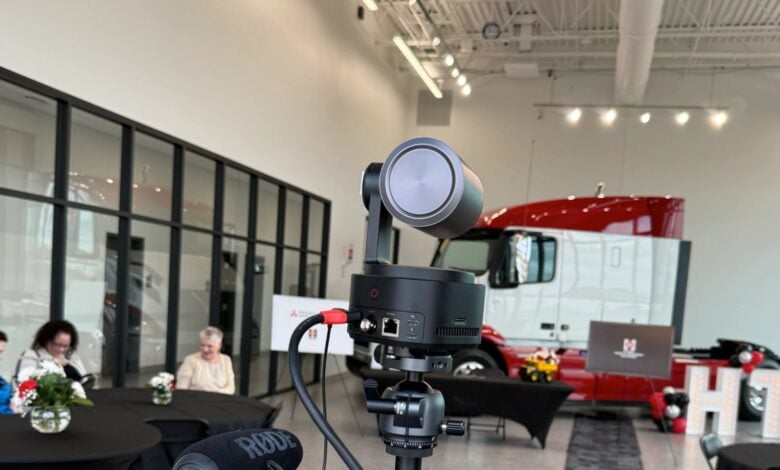
A webcam choice starts with a simple question: will you stay in one spot, or do you expect the camera to follow a presentation or demonstration? OBSBOT sells both fixed desk webcams and AI-assisted cameras with movement, so the right fit depends on the call you make most often.
We reviewed OBSBOT’s product information and organized the range around three practical decisions: framing, desk footprint and portability. The brand’s range spans 4K webcams through live-production cameras; this guide focuses on three desk-ready models rather than production equipment.
When you shop through the links in this article, the retailer may pay us a commission. Your price stays the same.
Key facts
- OBSBOT Tiny 2 is a 4K PTZ webcam with AI tracking, suited to a presenter who moves in frame.
- OBSBOT Meet 2 is a compact 4K webcam for a more stationary desk setup.
- OBSBOT Meet Flip folds for portability and flexible placement.
- Compatibility, mounting, room lighting and audio needs should shape the final choice.
- Store configurations and included accessories can vary, so check the current product listing before deciding.
Compare the shortlist
| Model | Listed format | Movement or design | Best fit |
|---|---|---|---|
| OBSBOT Meet 2 | Compact 4K webcam | Desk webcam | Stationary calls |
| OBSBOT Tiny 2 | 4K PTZ webcam | AI tracking | Presenting while moving |
| OBSBOT Meet Flip | Foldable 4K webcam | Foldable design | Portable work setups |
Start with movement
First, decide whether the framing should stay fixed. If your calls are mostly seated, a compact camera for one workspace can be a simpler fit; that is a practical inference from its desk-webcam format. OBSBOT Meet 2 is the sensible starting point here: its listed 4K webcam format suits a single-person desk view without the added movement of a PTZ unit. This is a useful distinction if the camera will sit above a monitor and your posture rarely changes.
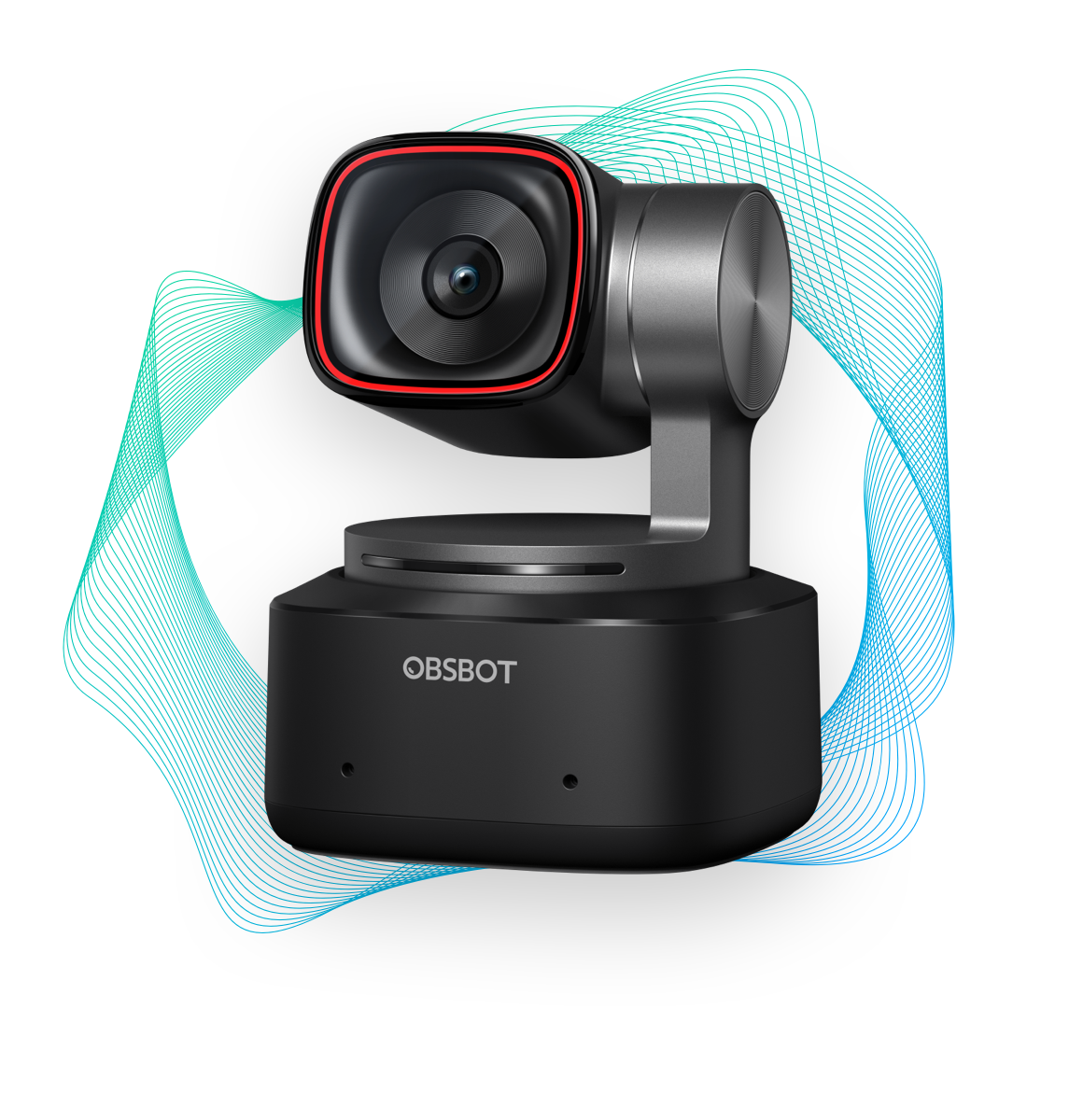
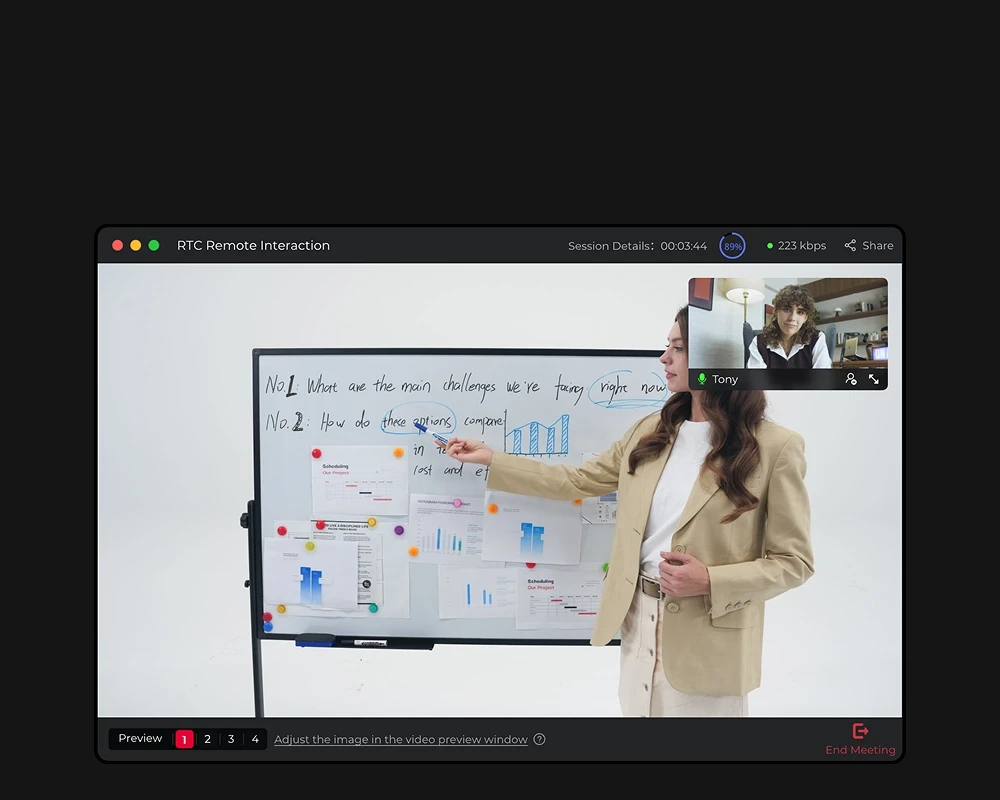
If you teach, demonstrate something with your hands or stand to present, movement becomes more valuable. The OBSBOT Tiny 2 is listed as a 4K webcam with AI tracking and a pan-tilt-zoom design. That combination is designed to keep a moving subject framed. Its moving camera head needs clear space around it. Consider whether your meeting app and room layout make those features useful before paying for capability you may leave switched off.
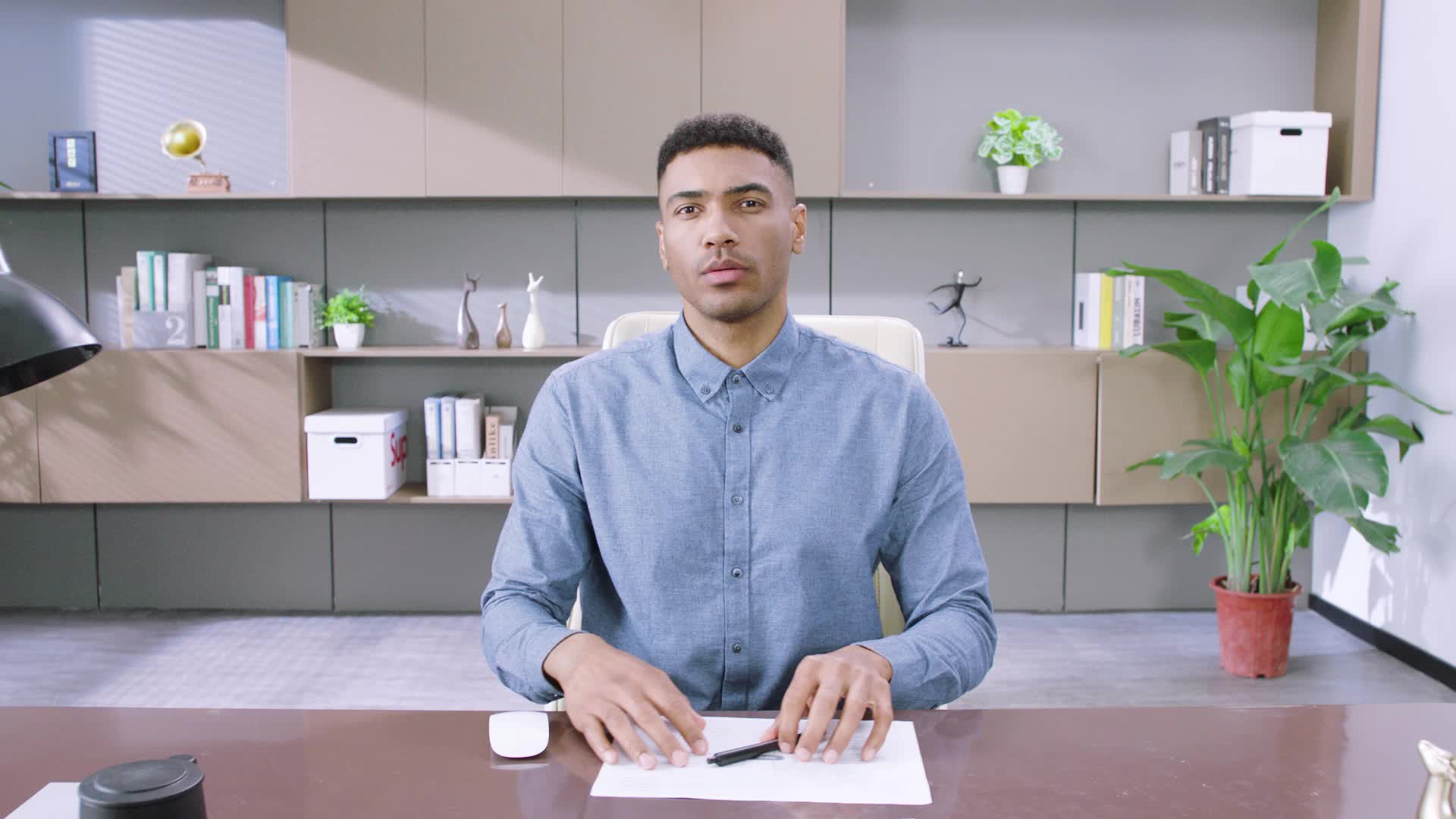
A practical check before choosing: stand where you would present, then note how far you move from the center of the frame. If you only shift slightly, static framing may be enough. If you regularly walk to a board or show a process across the room, a tracking model has a clearer purpose.
- Stay seated: prioritize simple framing and a clean monitor mount.
- Move while speaking: look for AI tracking and PTZ movement.
- Share a workspace: check whether the camera can be repositioned quickly between users.
Measure the setup
The word “compact” matters most when the desk is already crowded. Measure the free area above the monitor and check how the camera attaches before comparing image features. The OBSBOT Meet 2 is positioned as a compact webcam, which makes it a natural shortlist choice for a fixed desk or a small work surface. The listing is the place to confirm the included mounting hardware and exact compatibility details for your screen.
The OBSBOT Tiny 2 takes a different approach with its moving PTZ body. Leave room for the camera to pan and tilt without bumping a shelf, wall or second monitor. For a desk pushed against a wall, check the camera’s full range of movement and the amount of clear space around it. Extra movement only helps when the camera has room to use it.
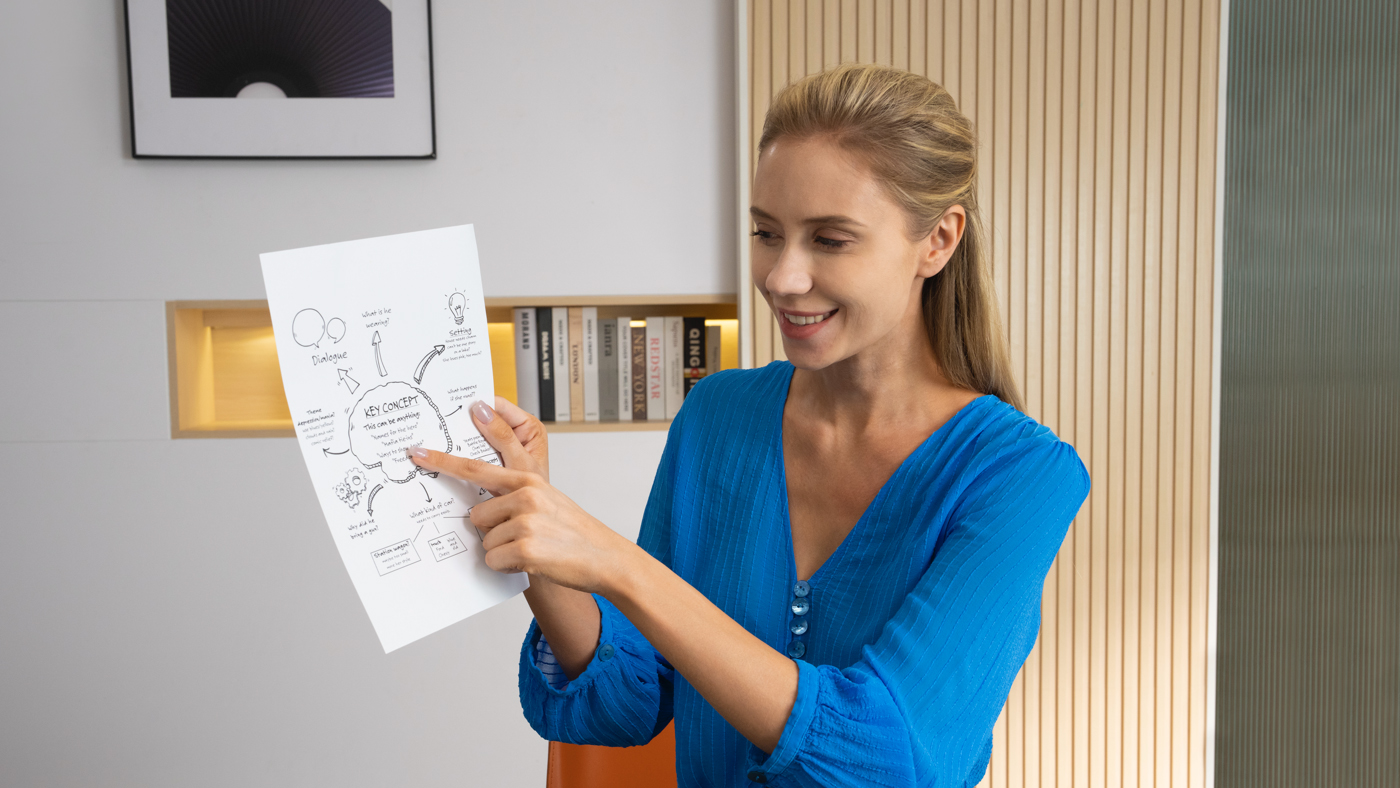
Next, check the full chain rather than the camera alone. A high-resolution image will not fix a poor angle, dim room or unsupported connection. Before choosing, confirm:
- Your computer has a compatible connection and enough free ports.
- The camera’s mounting method works with your monitor or tripod plan.
- Your video-call software supports the controls you want to use.
- The room has enough front light to keep your face clear.
Choose for travel
If the webcam needs to move between a home desk, office and travel bag, the OBSBOT Meet Flip deserves a look. Its foldable design is the useful buying distinction. It may suit packing and flexible placement better, while the Meet 2 is listed as a compact webcam for desk use. Confirm the folded dimensions and included carrying accessories on the current listing if bag space is tight.
A portable model is not automatically the best everyday camera. If it will live on one monitor, compare the placement and image details first. If you pack frequently or move between workspaces, foldability becomes a practical benefit rather than a feature that sounds good in a product description. The store’s product pages for OBSBOT Meet Flip, OBSBOT Meet 2 and OBSBOT Tiny 2 let you verify current configuration details side by side.
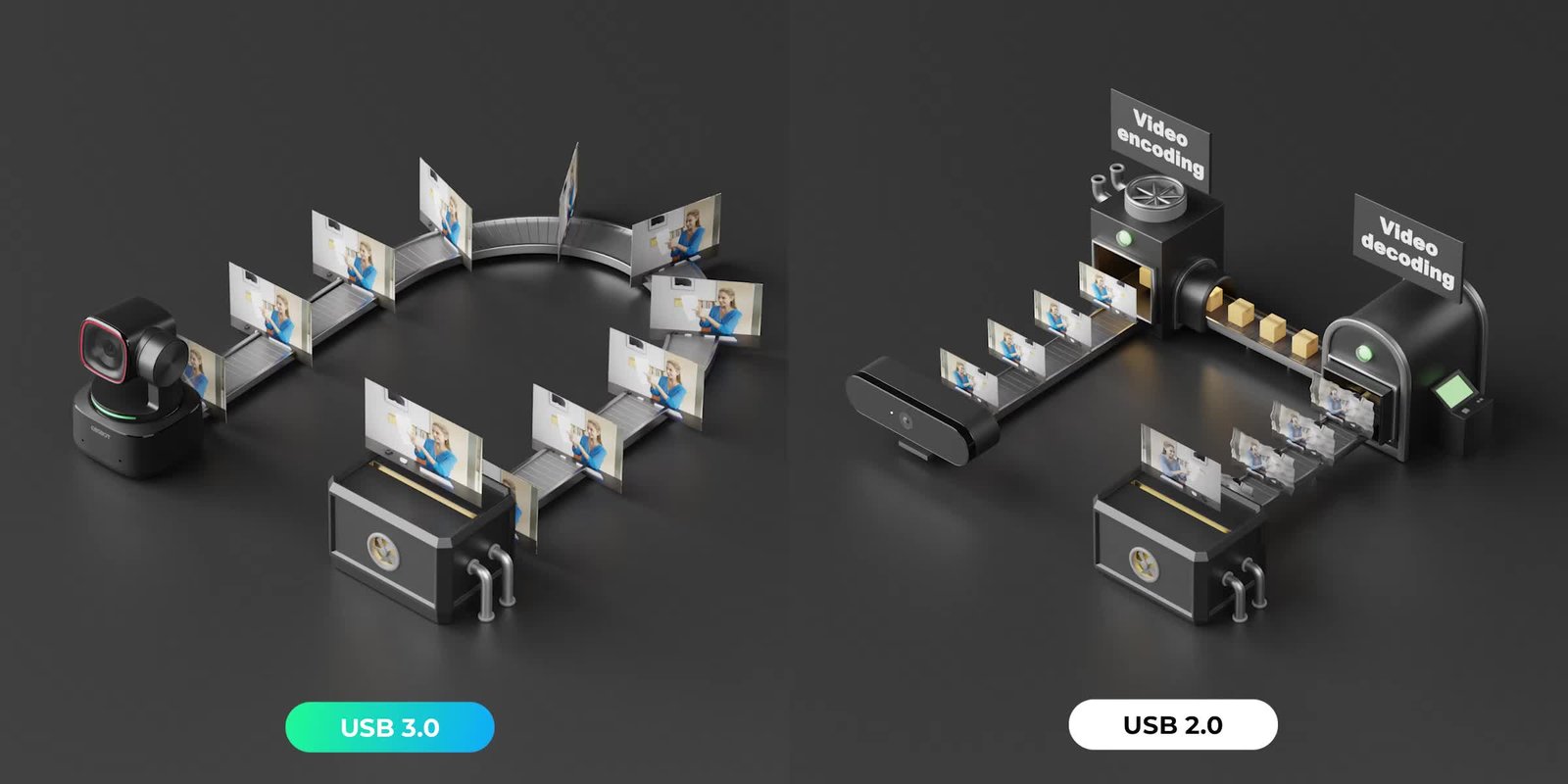
Connection standards matter most when you add capture devices, displays or a switcher to the system.
Check image and sound
Resolution is easy to compare, but it should not be the only criterion. The Tiny 2 and Meet 2 are both positioned as 4K webcams, while your lighting, distance from the lens and video-call platform affect the image you actually send. A well-lit, well-framed picture is often more useful than choosing a higher specification without checking whether your meeting software supports it.
Audio deserves its own check. If you already use a headset or desk microphone, the webcam microphone may matter less. If you plan to speak directly to the camera, review the product listing for microphone features and any audio processing claims. The OBSBOT Tiny 2 and OBSBOT Meet 2 pages provide the current feature lists; avoid assuming that two 4K models share the same audio setup.
A clean frame also depends on where the camera sits and what is behind you.
Price comparisons are best made after the shortlist is clear. The final cost can vary with the model tier, bundle and included accessories. Check the OBSBOT store for current pricing and availability, and compare the complete package rather than relying on a headline camera specification.
Make the final check
Before ordering, open the specific product page and review the compatibility notes, contents, shipping details and return terms. Confirm the exact model name in the cart, especially when accessories or bundles appear beside the camera. OBSBOT’s own listing is the clearest place to verify which configuration is available for your region.
- Choose a fixed compact webcam for calls from one position.
- Choose PTZ tracking when you move enough for automatic framing to matter.
- Choose a foldable webcam if portability changes where you work.
- Check current configuration, included accessories and support details before checkout.
For a typical stationary home office, we would start with the OBSBOT Meet 2 and move up to the OBSBOT Tiny 2 when tracking solves a real framing problem. The OBSBOT Meet Flip is the more natural choice for a camera that travels. You can compare the current OBSBOT webcam options once those priorities are clear.
Where we land
OBSBOT makes the most sense when you choose by how you work: Meet 2 for a compact fixed setup, Tiny 2 for movement, and Meet Flip for portability. That gives a practical shortlist without paying attention to features unrelated to your calls.
The limitation is that model names and headline features do not answer every setup question. Compatibility, mounting and bundled accessories can differ, and the store page should settle those details before you decide.